
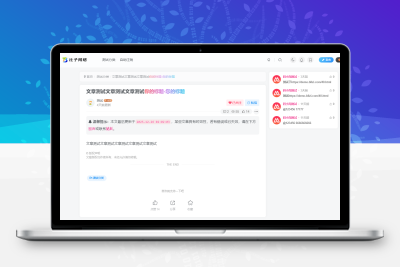



这是一篇子比主题文章添加更新时间,我这里一共发两款,都是在别人网站扒下来的。喜欢就直接部署扒。
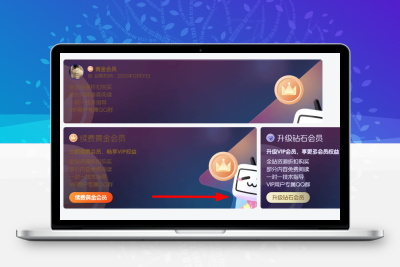
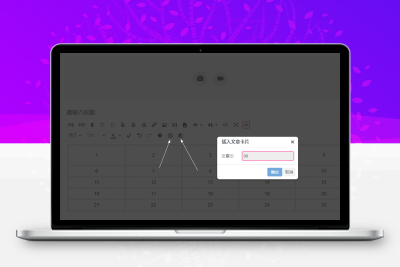
第一款
![图片[1]-子比主题 – 文章添加更新时间-比子网络](https://oss.bllzi.com/uploads/2025/12/20251230084310876-4a47a0db6e60853dedfcfdf08a5ca249.png)
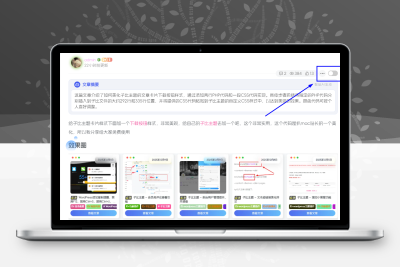
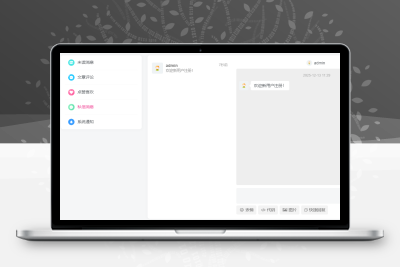
第二款
![图片[2]-子比主题 – 文章添加更新时间-比子网络](https://oss.bllzi.com/uploads/2025/12/20251230084319483-fb5c81ed3a220004b71069645f112867.png)
代码部署
定位:
CSS代码
/*文章内页更新时间*/
                .update-ts{
                    padding-top: 6px;
                    padding-bottom: 8px;
                }
                .article-update-tips {
                background: rgba(255, 188, 68, 0.38);
                color: #333;
                margin: 0 0px 20px;
                border-radius: 8px;
                position: relative;
                text-align: center;
                background-image: url(https://img.alicdn.com/imgextra/i1/2210123621994/O1CN017ZFVO81QbIjgNEl4Q_!!2210123621994.png);
                background-clip: padding-box;
                background-size: cover;
                background-repeat: no-repeat;
                background-attachment: scroll;
                background-position: 50% 50%;
                background-blend-mode: normal;
            }span1 {
                color: #f60;
                margin: 0 3px;
}付费阅读
© 版权声明
本站收集的资源仅供内部学习研究软件设计思想和原理使用,学习研究后请自觉删除,请勿传播,因未及时删除所造成的任何后果责任自负。
如果用于其他用途,请购买正版支持作者,谢谢!若您认为本站发布的内容若侵犯到您的权益,请联系站长邮箱:596993347@qq.com 进行删除处理。
本站资源大多存储在云盘,如发现链接失效,请联系我们,我们会第一时间更新。THE END














暂无评论内容